
Fix wrong times and time zones
Last updated: October 20, 2026
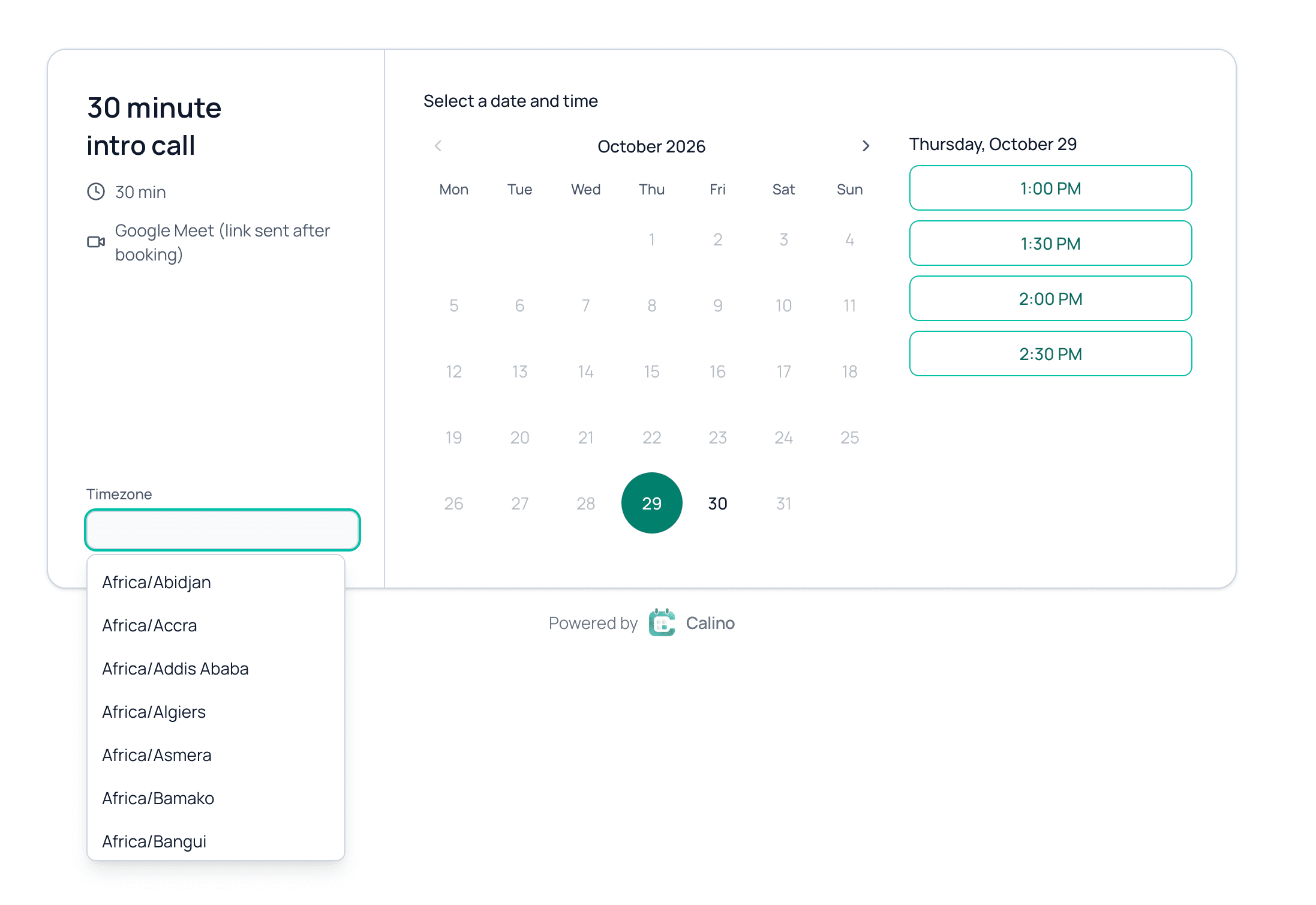
Your available hours use the time zone saved in Settings, and guests see times in their own time zone, which they can change with the Display timezone selector. If times look wrong, check your Timezone setting first.
Set your time zone
- Open Settings.
- Check the Timezone field. Click Use detected timezone to match your device.
- Save your changes.
- Open your booking links and check that Available between still shows the hours you want.
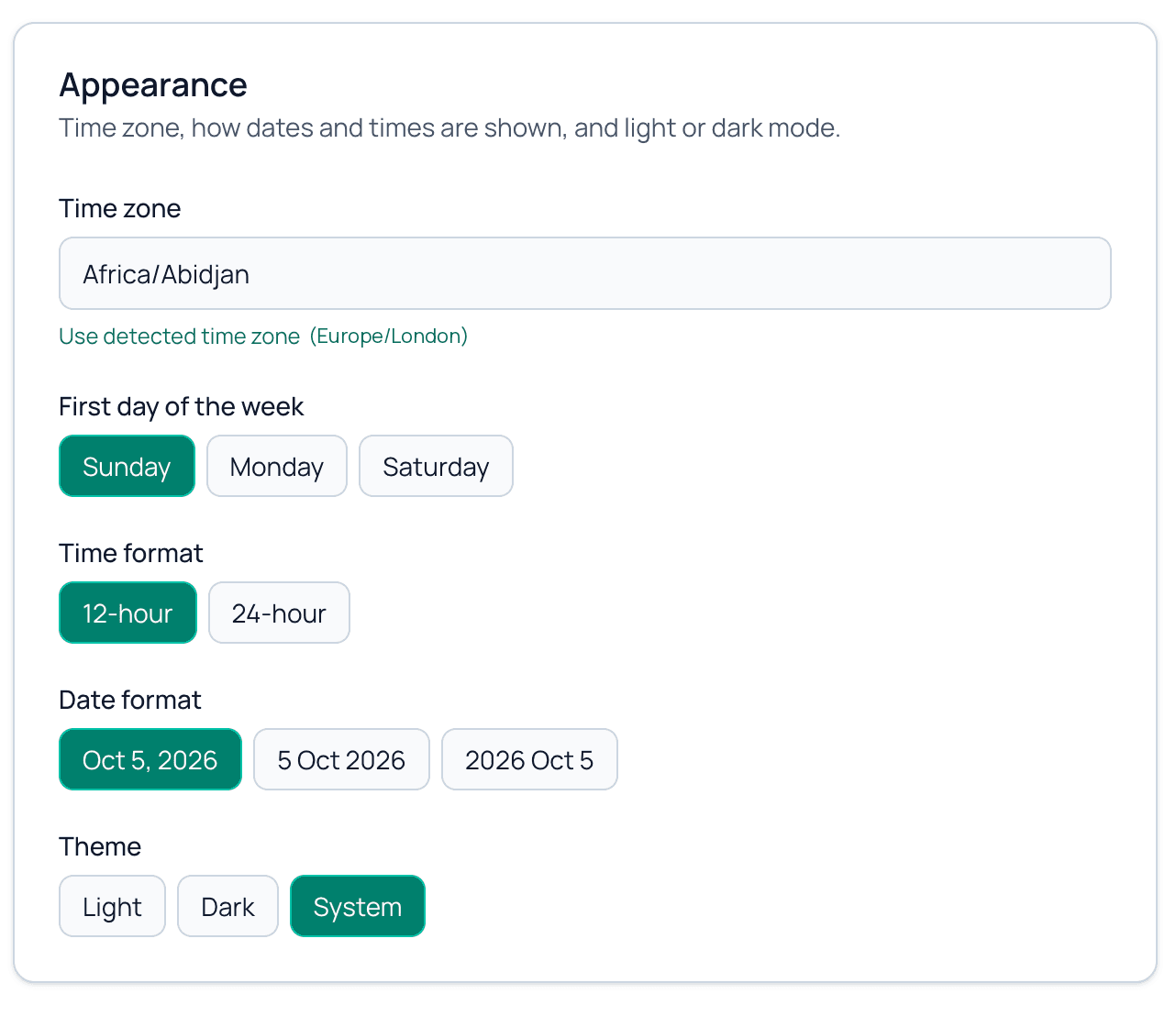
Each booking link shows which time zone its hours are in, in a short note under the weekly hours that also links to Settings, where you can change it. Daylight saving changes are handled automatically.
What guests see
The booking page shows each guest times in their own time zone, detected from their device. They can change it with the Display timezone selector. The confirmation email shows the booked time in the same zone.
If you travel or move
Update your Timezone in Settings, then open each booking link and review Available between. Bookings that already exist keep their exact moment in time.
Related guides
Still need help?
Send us a message and we will get back to you.
Contact us