
Embed your booking page on your website
Last updated: October 20, 2026
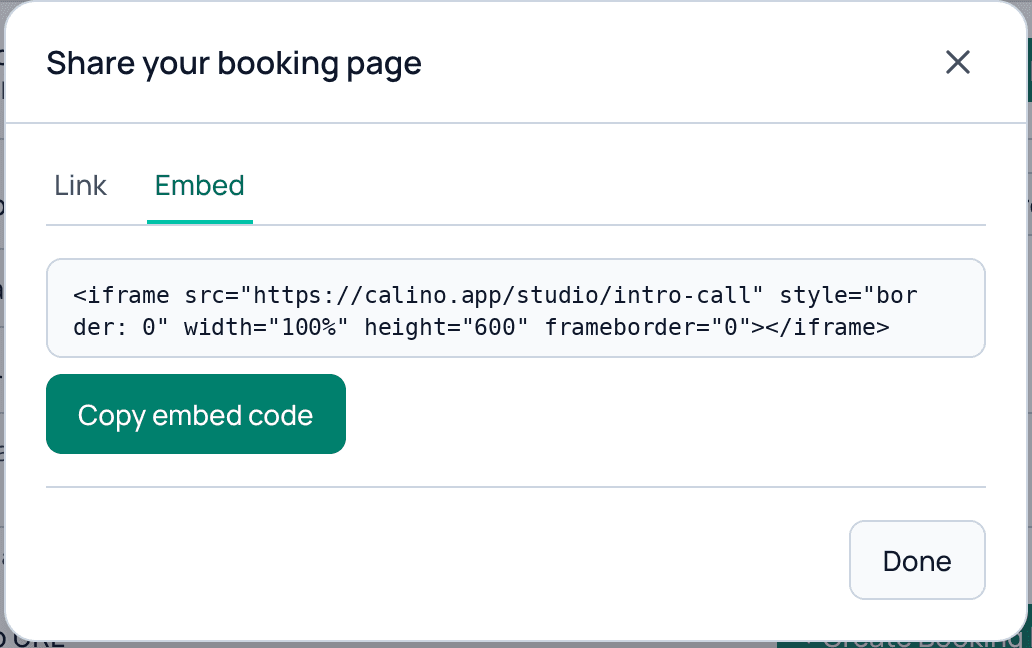
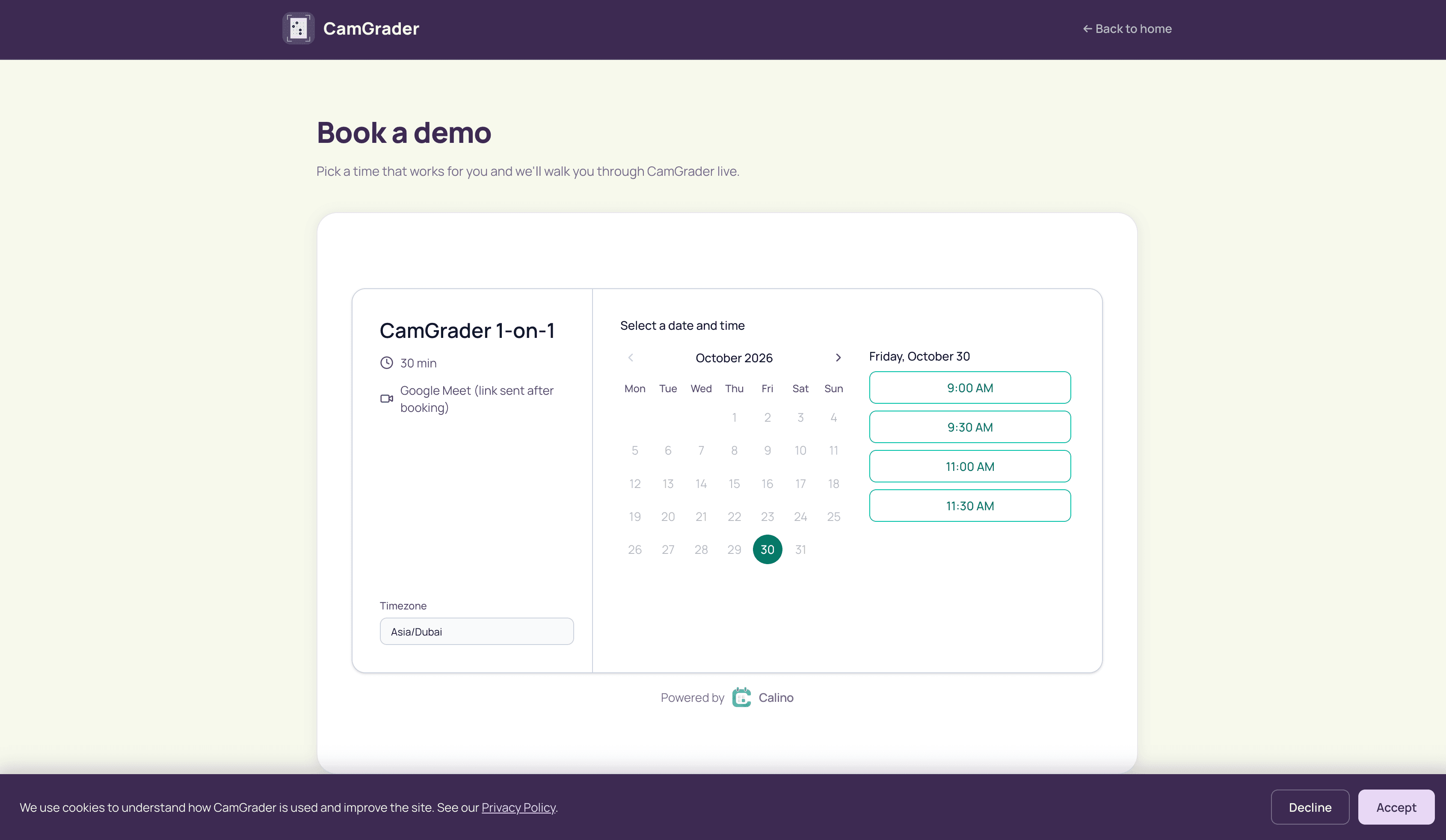
Click Copy Link on a booking link or group, choose the Embed tab in the window that opens, copy the code and paste it into your site's HTML. Visitors then book without leaving your page.
Copy the embed code
- Open Booking Links and click Copy Link on the link or group you want to embed.
- In Share your booking page, choose the Embed tab.
- Click Copy embed code.
Paste it into your site
Most website builders have a custom HTML or embed block. Paste the code there and publish. The code is a standard iframe set to 100% width and 600 pixels high.
Tips
- Change the height number in the code if you want more or less room.
- Embed a single link to show one meeting type, or the group to let visitors choose.
- Only booking pages can be embedded. The Calino app and sign-in pages cannot.
- Test the live page afterwards, because some site builders block embeds until the page is published.
Related guides
Still need help?
Send us a message and we will get back to you.
Contact us